
Move to Claude
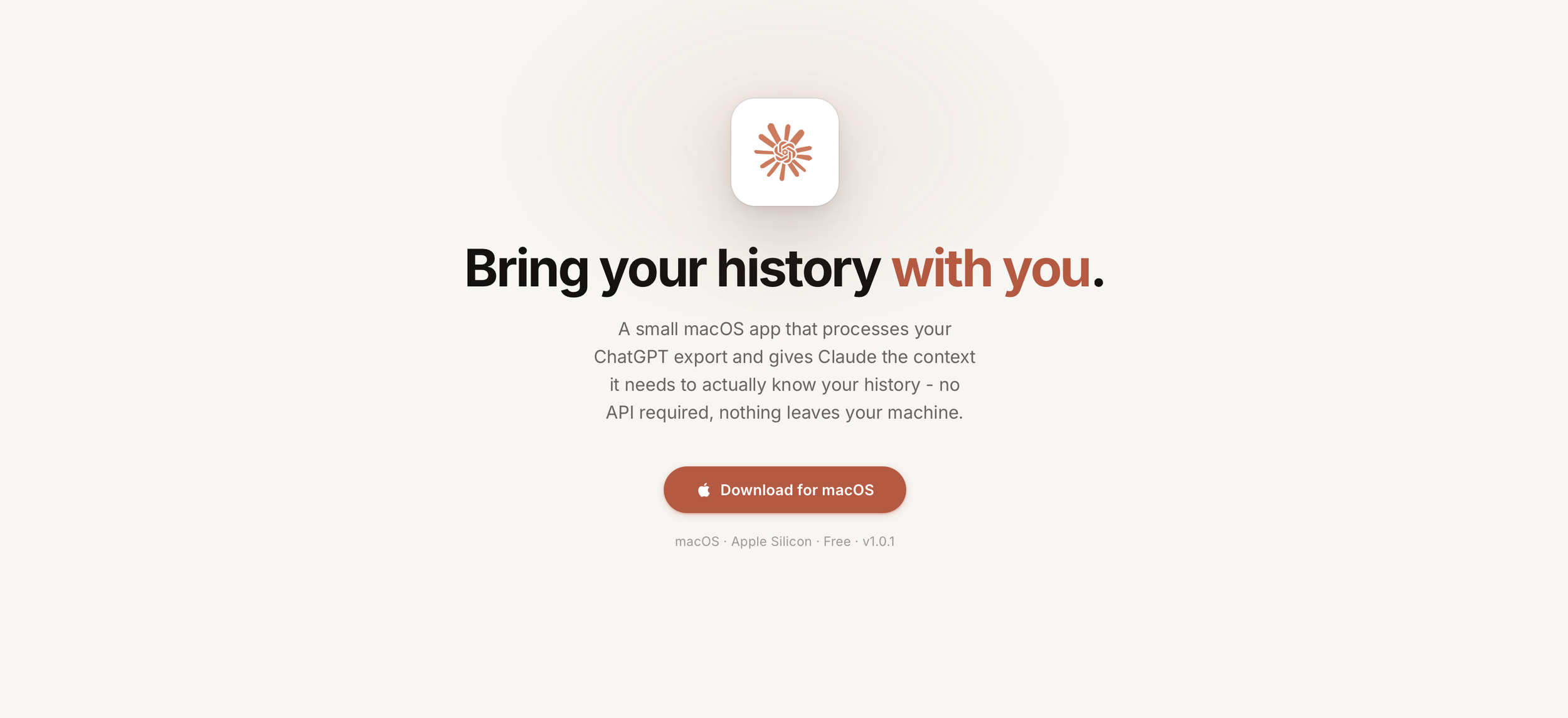
tl;dr - Download Move to Claude here
I've been using ChatGPT since it launched.
3+ years of conversations going back to 2023 - ideas I was working through across all my work, decisions I was wrestling with, code I was debugging, things I was trying to learn. A pretty dense record of how I think.
When I switched to Claude as my primary assistant (thanks SDR for getting us to go this direction at Tandem), I felt the context disappear. Not just the conversations themselves, but the accumulated understanding of me that had built up over time. Every new chat started from zero. The finely tuned system I had for writing and problem solving was absent. I did the usual rebuilding steps - wrote good system prompts, started coaching from scratch - but it felt like moving to a new city and having to explain to everyone who you are again.
When I finally decided to export my ChatGPT data, I naively thought "I'll just drop the .zip in." That was wrong. My history was over 1GB. Claude's file upload limit is 30MB. OpenAI's export isn't a portable data file - it's a legally compliant data download. Technically correct, practically a mess. I don't blame them. Nobody makes data portability easy when paying customers are the business model.
So I built something to fix that for myself.
Move to Claude is a small macOS app. You drop in your ChatGPT export .zip, it processes everything locally, and sets up your conversation history so Claude Desktop can actually use it. Nothing goes to a server. Nothing leaves your machine.
But it's not just a converter. The experience is a loop between you, the app, and Claude - and it's worth walking through all four phases because each one does something the others can't.
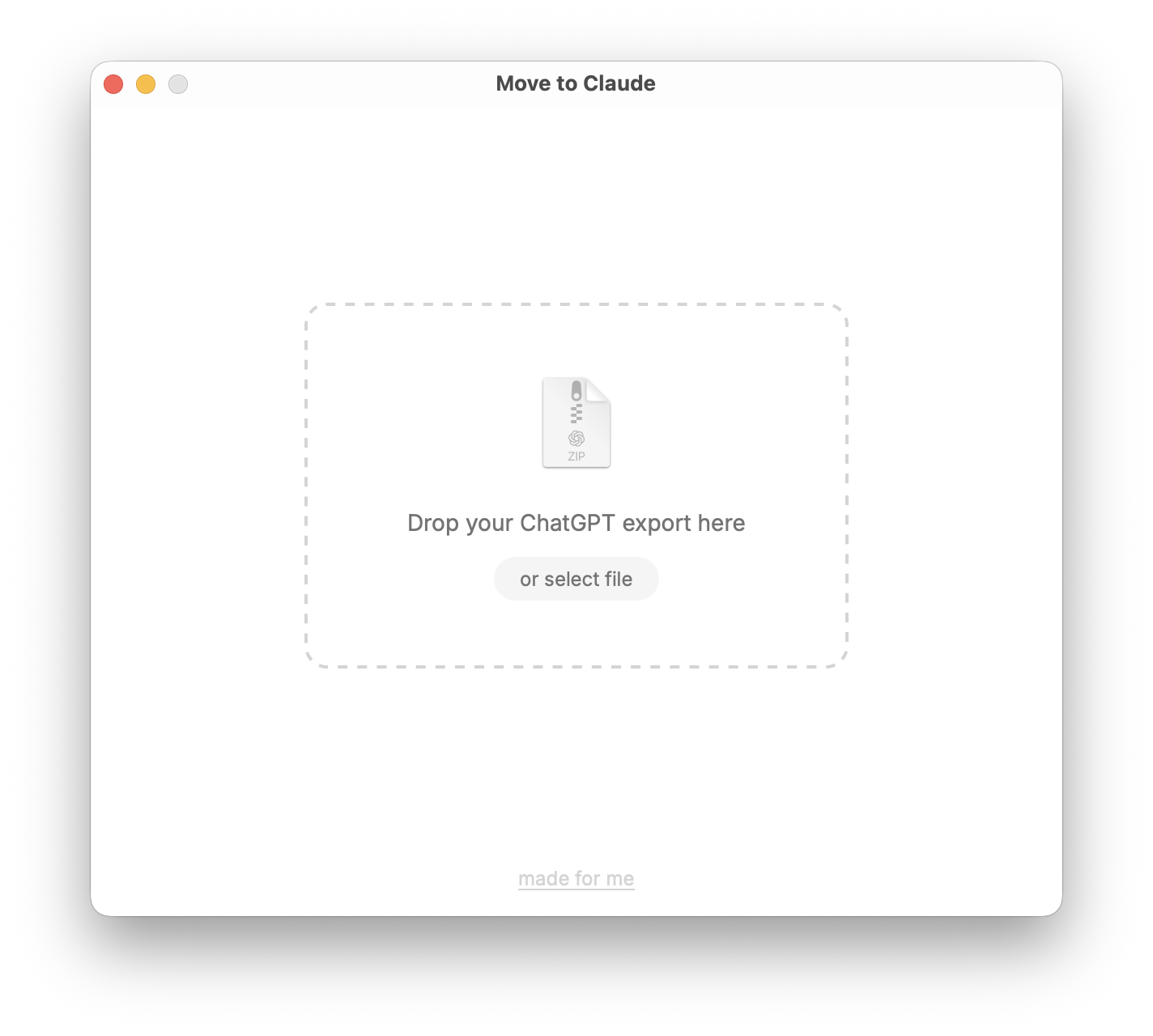
Phase 1 — Export
You drop the ZIP into the app and click Export. The app converts all your conversations from OpenAI's raw JSON format to clean, readable markdown. Images and files get extracted to a media folder. Group chats are preserved separately. A START_HERE.md file gets written that Claude uses to orient itself when you ask it to load your history.
Critically, the app also configures a local MCP server — Model Context Protocol, Claude's way of connecting to external tools and data sources. This is what makes it possible for Claude Desktop to read your history directly off your machine without you uploading anything. The 30MB limit becomes irrelevant.
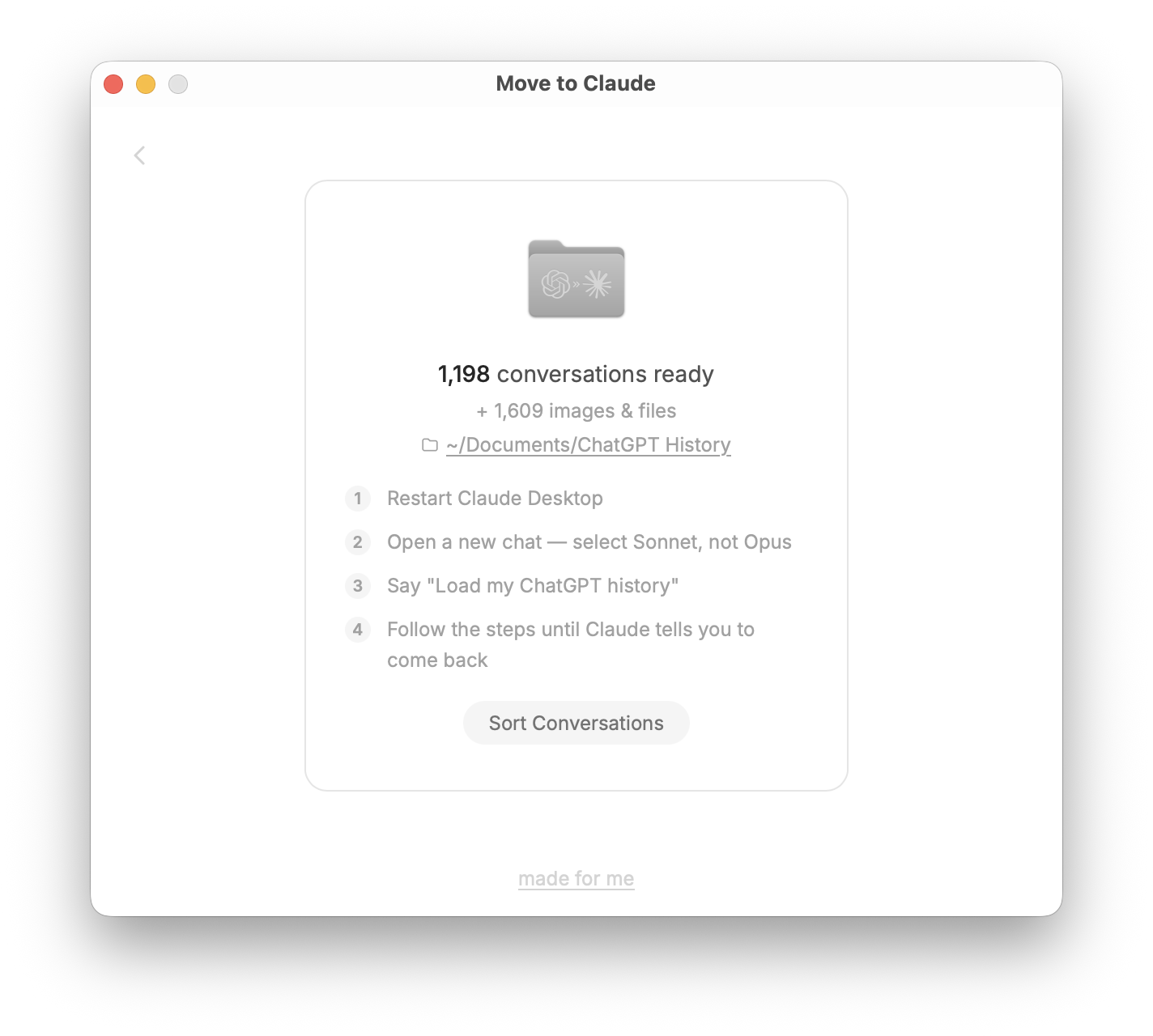
Phase 2 — Claude maps your history
Once the export is done, you go to Claude Desktop, open a new chat (use Sonnet for this, not Opus — it handles large file scanning better and won't burn through your quota), and say "Load my ChatGPT history."
Claude reads your START_HERE.md, which tells it what it's looking at and how to navigate the archive. Then it reads your INDEX.md — a full index of all your conversation titles and dates. For a large history, this alone can be 1,000+ entries. Claude scans the full index, reads representative conversations across different topics, and builds a mental map of what you were working on and when.
Then it does something I think is genuinely useful: it proposes a project structure. Not arbitrary folders — a map of your actual work. "It looks like you have a recurring thread around X going back to 2022," or "Here's what I'd call your five most active project areas." You refine it together until it reflects how you actually think about your work.
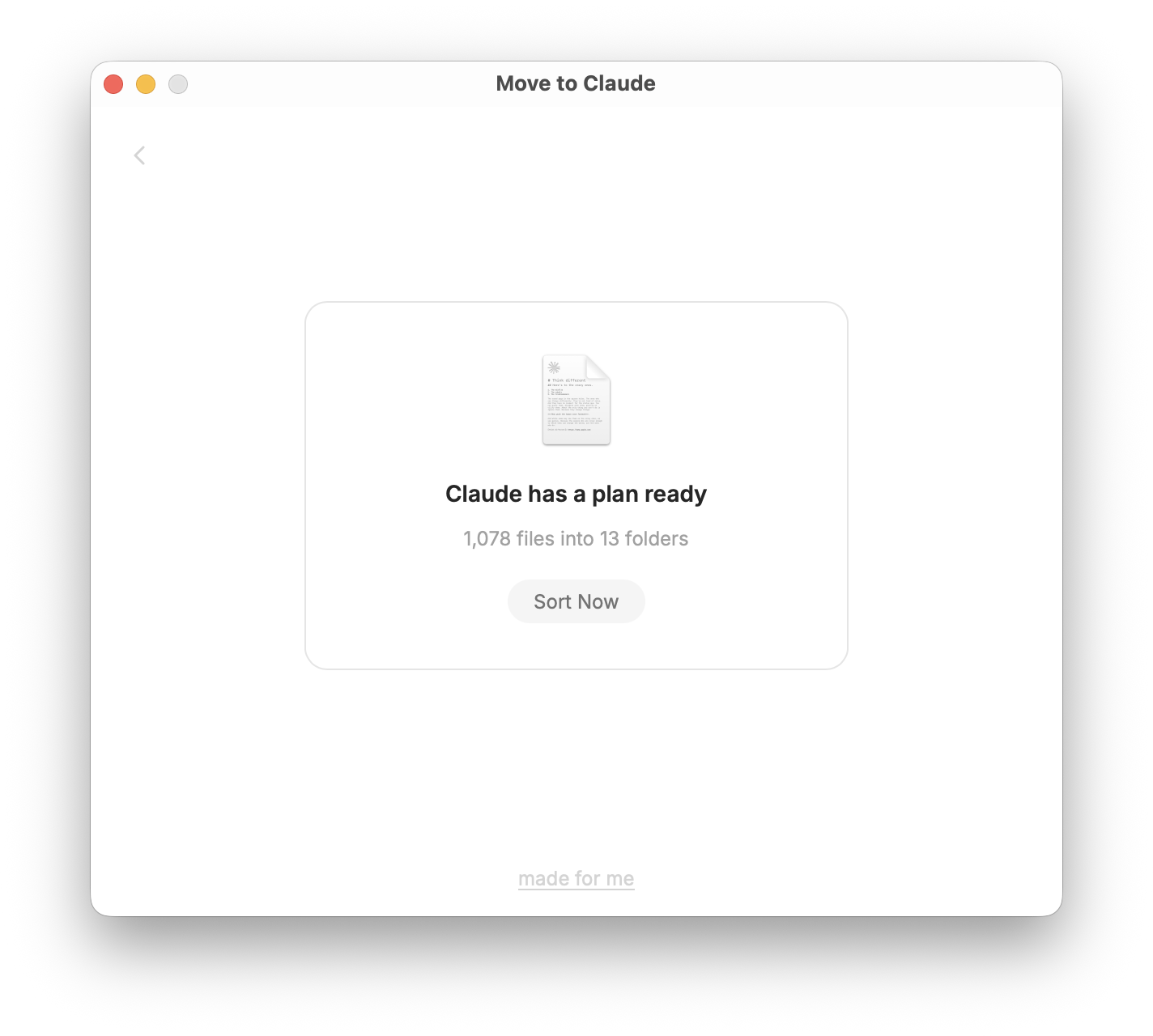
Phase 3 — The app sorts your files
Once Claude finishes mapping and writes the project map to a PROJECTS.md file in your history folder, you come back to the app and click "Sort Conversations." The app reads PROJECTS.md and physically moves your conversation files into the project folders Claude defined. Claude doesn't touch the filesystem — the app does the move based on Claude's output. This is intentional. Letting an LLM directly reorganize your files felt like a bad idea. The app is the one with the permissions; Claude is the one with the judgment.
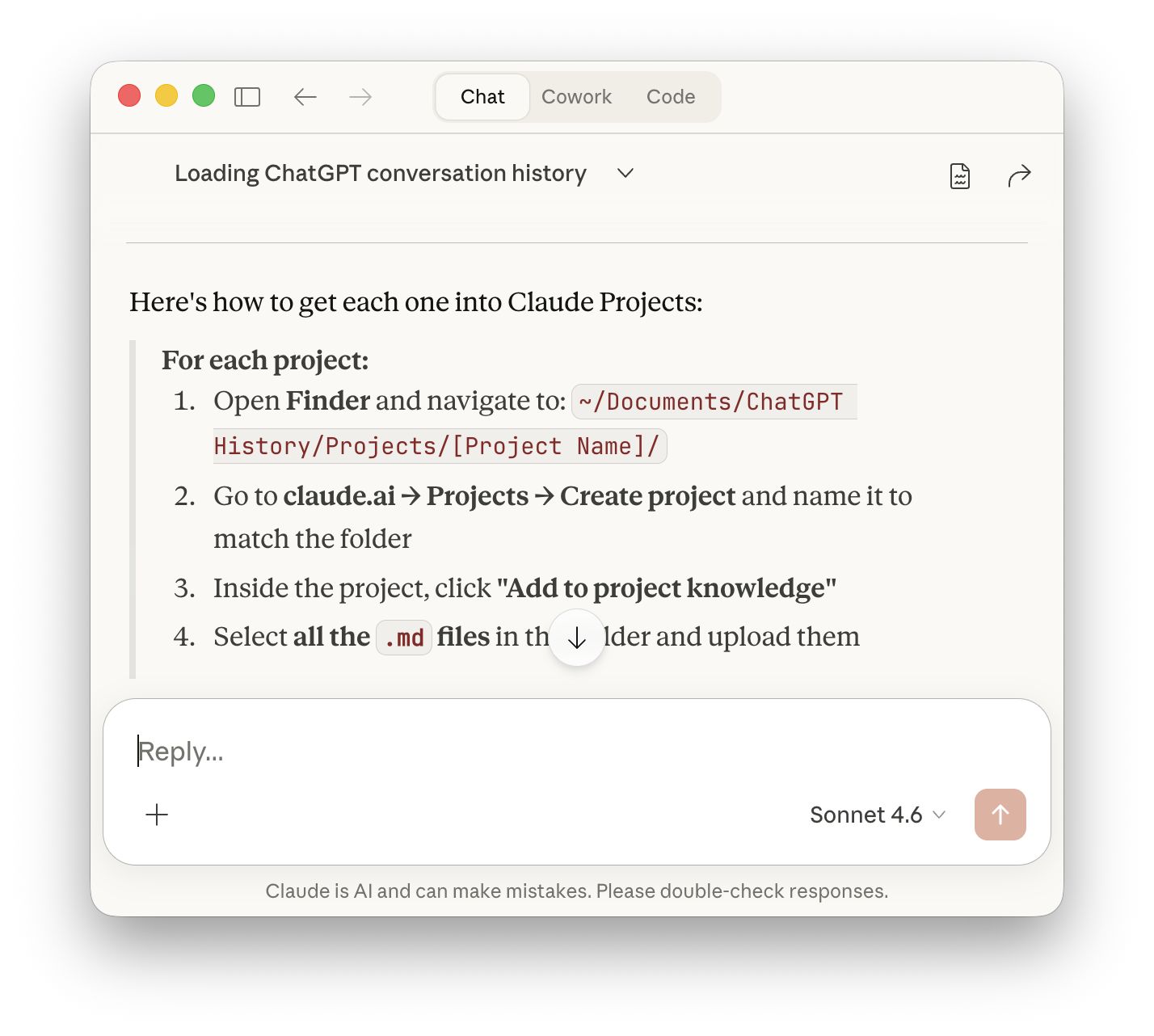
Phase 4 — Setting up Claude Projects
This is where it comes together. Claude identifies your three to five most active projects and walks you through adding each one to Claude.ai's Projects feature. For each project, it gives you the exact Finder path, the setup steps, and — this part is new and I think it makes a real difference — a thorough, copy-paste-ready block of project instructions.
Not generic instructions. Instructions written from what Claude actually read in your conversations: what the project is about, what specific problems you've been working on, what tools and stack are involved, what decisions have already been made, what's still unresolved. The kind of context that would take you 20 minutes to write yourself if you were being honest about it.
You paste that into the Claude Projects instructions field, upload the markdown files from the folder, and now that project has memory. Not just file storage — actual context about who you are and what you're doing in that specific area.
The Honest Part
There's no API to create Claude Projects programmatically, so this isn't fully automatic. You do have to manually create each project on claude.ai and drag the files in. If Anthropic ever exposes that API, I'll wire it up. But the manual steps are maybe ten minutes per project, and what you end up with is worth it.
The MCP server approach also has limits. It works in Claude Desktop, not claude.ai in the browser. If you're primarily a web user, the Projects setup in Phase 4 is actually more useful to you than the MCP layer — once your conversations are in a Project's knowledge, they're available everywhere Claude is, including on mobile.
One more honest note: if your history is large (mine was about 1,200 conversations), the Phase 2 mapping step can hit Claude's context limits if you're using Opus. That's why I call out Sonnet in the app. Sonnet handles long scanning tasks cleanly. Opus is overkill here and prone to running out of room mid-task.
Why it's organized this way
I didn't want to just dump raw files that happen to be accessible. I wanted Claude to actually understand what it was looking at.
The markdown conversion matters because LLMs parse markdown naturally — headers, structure, and metadata are all readable signals. Storing your history as markdown means Claude can skim a file and immediately know what it's about, not parse JSON.
The START_HERE.md functions like a briefing document. It tells Claude: here's what this archive is, here's how it's organized, here's the sequence of steps we're working through. Without it, Claude would have to figure out context from scratch on every new session.
The INDEX.md exists because you can't ask Claude to read 1,200 files. But you can ask it to read a well-structured index of titles and dates, form a view, and then selectively read the conversations that look most relevant. That's the architecture: index first, selective depth second.
What you end up with
An organized archive of your ChatGPT history that Claude Desktop can search and navigate. Project folders with your conversations sorted by topic. Thorough project instructions ready to paste into Claude Projects. And a setup where you can say "find everything I worked on related to X" or "what was I building in 2023" and get a real answer.
It's not magic and it's not fully seamless. It's a well-built bridge between where your history lives and where you want to work.
If you're moving from ChatGPT to Claude — or just want to actually use the history you've built up — download Move to Claude here, or dig into the source on GitHub.
Postcript
(There's a reason I always say "Made For Me" on these little experiments... because that's what they are. It may not be how you would have done it, and you may not like it. That's okay. Grab the source code and make it yours. Share it back my way when you do and let me be your cheerleader.)